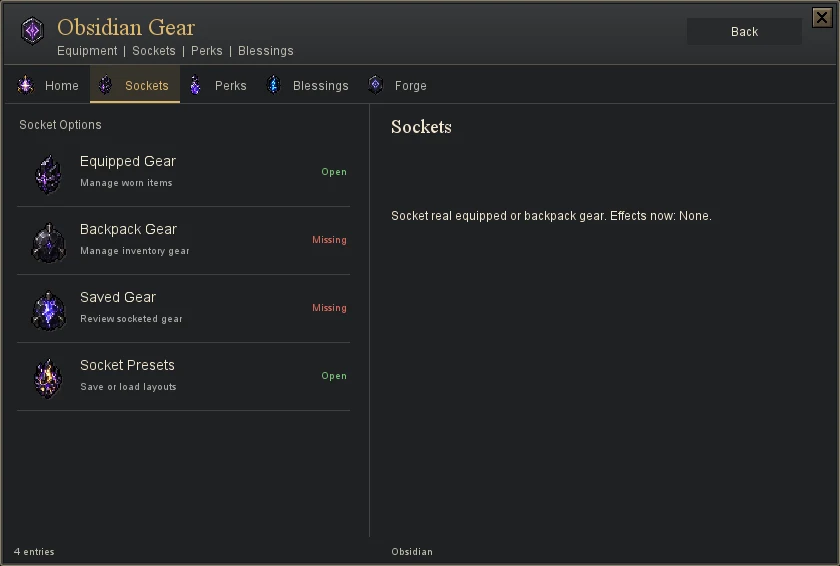
Two places for learned perks
Account perk slots stay active independently of your equipment. Item sockets attach learned perks to a particular equipment item type on your account. Socketed effects are included when matching equipment is worn, not merely carried or banked.
- Open Sockets
At the Upgrade Altar, open Sockets and choose real equipped or backpack equipment.
- Unlock a socket
Inspect the next socket cost and pay with the required physical materials. An item can have up to three sockets.
- Attach a learned perk
Choose an already learned perk for a free socket, then wear the item. Removing a socketed perk does not unlearn it.
- Review your active build
Keep Tempo and Focus groups compatible with your account perks. A repeated effect does not stack, and switching gear can change which socketed effects apply.